

Introduction of Delimiter
A major problem you must have seen while importing or adding a CSV file into a spreadsheet is that all the data appears messy and useless in a single column. Most of us think that something is wrong with the CSV file, Excel, or the data, but in reality, it happens only due to the delimiter.
Let’s see, what is a delimiter? A delimiter is a set rule in software development; it tells the system how to read the data. In the absence of the delimiter, data seems to be in an incorrect format, messy, unreadable, and useless, and the database rejects such inputs. This is the reason why tools like online comma separators exist; they help to correct the data before using it anywhere.
In this article, you will learn what is a delimiter is exactly, its meaning, types, examples, where it is used, and why delimiters are important.
Table of Contents
What Is a Delimiter?
A delimiter is a special symbol, or we can say a character, that is used to separate the values and data elements in databases and data files or texts. The most common delimiter used for separating data is a comma (,).
Example:-
Mango, Apple, Orange, banana, papayaIn the given example, a comma (,) delimiter is used to separate the text values, and it tells the computer system where the value ends and the new value starts. Without a separator, the computer will not understand where the “mango” word starts and ends.
Example without comma separator:
Mango
Apple
Orange
banana
papaya
In this example, the computer system will not understand where the value ends and the new value starts; the computer system might read this as “MangoAppleOrangeBananaPapaya.” This is even difficult for us also to read.
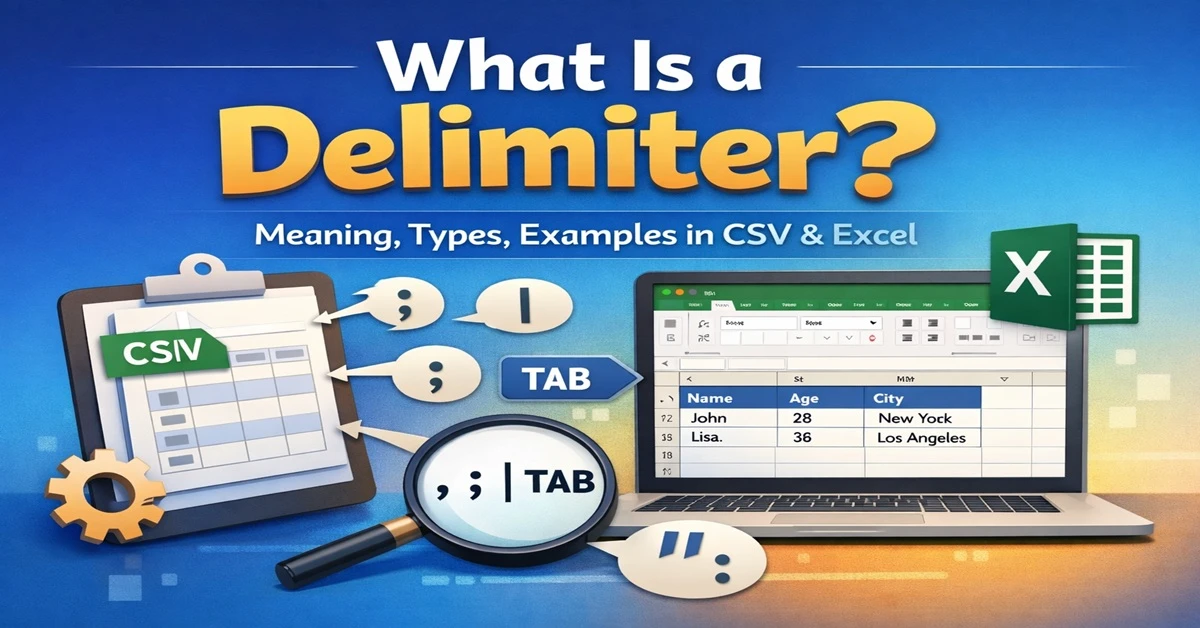
Delimiter Meaning
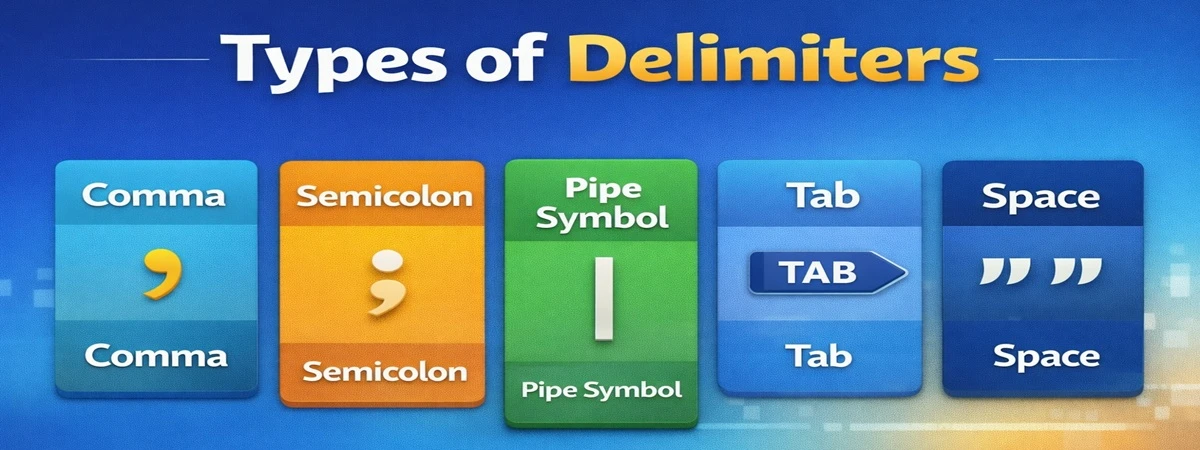
A delimiter is a symbol or sequence or character that is used for separating values and that value signifies or lets the computer know where the value starts and ends. The symbols used for separating are commas, semicolons, quotes, tabs, and spaces.
Types of Delimiters
There are multiple delimiters for different systems and formats; let’s understand each.
1.Comma Delimiter (,)
The comma is the most popular and used delimiter in the world for CSV (Comma Separated Value), Excel file importing systems, SQL queries, and writing arrays in programming.
Example:
code, name, age
123, Sam, 26
234, Tom, 30
345, Jack, 29
Due to the popularity of commas, people used an online comma separator tool that quickly formatted the unstructured data into comma-separated values.
2. Tab (\t)
A tab is another kind of delimiter that separates values using a tab, commonly referred to as tab-separated values (TSV). This format is used when the data contains commas within the values and large spreadsheet exports from the software for better human readability.
Example:
Name Age City
Sumit, 28, Delhi
Amit 30 Mumbai
3. Pipe (|)
Pipe is an important delimiter for the backend system, server logs, and database exports, but it is less commonly used in general life.
Example:
Apple|Banana|Mango|Orange4. Semicolon (;)
Semicolons are mostly used in the program to end the code statement, and in some of the regions in Europe, they are used instead of commas for regional settings.
Example:
Apple; Banana; Mango;5. Space ( )
Space delimiters are generally used for separating values using a whitespace character. They are commonly used in text values in documents and less often in spreadsheets. They are helpful for simple text lists and short columns without space values and are easy for human readability.
Example:
Apple, Banana, Mango6. Custom Delimiters
There are many delimiters that are used for some specific uses or for advanced workflows; these delimiters include tilde (~) and caret (^), which are used to extract data from specialized software or to avoid the conflict with standard characters.
Example:
Apple~Banana~MangoDelimiter Comparison
| Delimiter | Example | Best Use | Pros | Cons |
|---|---|---|---|---|
| Comma (,) | Apple, Banana | CSV, Excel, SQL | Universal, readable | Conflicts with comma in values |
| Tab (\t) | Apple Banana | TSV, large exports | Clean, avoids comma issues | Limited web support |
| Pipe (|) | Apple|Banana | Logs files, Database imports/exports | Reducing conflicts, Technical use | Not useful for general purpose, not for excel use |
| Semicolon (;) | Apple;Banana | European Excel | Regional compatibility | US Excel issues |
| Space ( ) | Apple Banana | Simple lists | Human-readable | Fails with multi-word values |
| Custom (~, ^, **) | Apple~Banana | Specialized exports | Flexible | Requires conversion |
Delimiters in CSV Files
Comma-separated values (CSV) files are a widely used format because they are simple and readable by every software. The CSV file used a comma delimiter for separating the values. Whenever uploading a CSV file in a safe area, it may fail if a comma is missing or data is inconsistent.
Example CSV:
ID, Name, Email
1. Sumit, sumit@example.com
2. Amit, amit@example.com
Delimiters in Excel
Excel is advanced spreadsheet software, and Excel uses multiple delimiters for importing. Text or CSV files and Excel also have a feature to convert text to columns, which supports comma (,), tab (\t), semicolon, and space ( ).
A common problem users often face is they paste data with the expectation of auto-separation, but the data gets messy and unusable due to an improper delimiter. The best option to avoid such issues is for the user to use an online comma separator tool; it saves time and prevents errors.
Delimiters in Programming
All the programming languages rely on the delimiters; without them, I can’t imagine that the program will work. All the programming languages allow the interpretation of the lists, arrays, and parameters correctly.
Examples:
JavaScript array:
const fruits = ["Apple", "Banana", "Mango"]
SQL query:
SELECT * FROM users WHERE name IN ('Sumit', 'Amit', 'Rohit');Common Problems Without Proper Delimiters
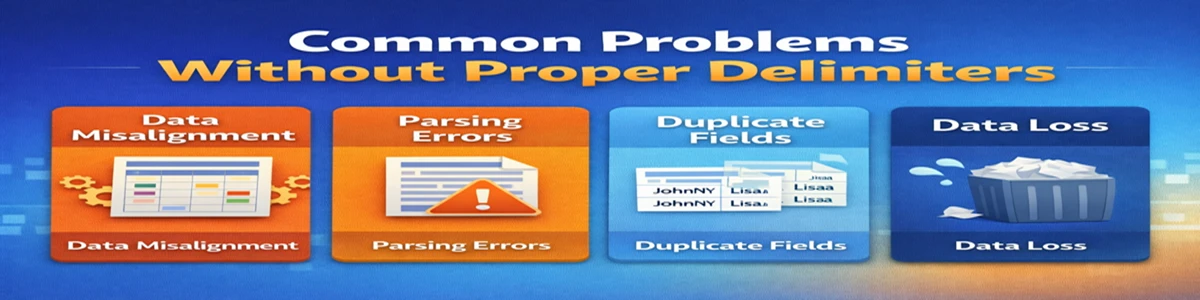
Let’s discuss the common mistake that beginners and even experienced people can make.
- Mixed delimiters: When the data containing mixed delimiters like commas and semicolons may cause import errors.
- Extra spaces: When working with large data sets and doing manual entries, extra spaces make the entries invalid.
- Duplicate entries: While making data manual, separation may lead to duplicate entries, which tools remove automatically.
- Regional differences: Most people in the region use the different settings in their documents; the US uses commas, whereas the EU uses semicolons as the default delimiter.
Why Use an Online Comma Separator Tool?
There are major reasons to use online comma separators because they are fast, easy, and accurate.
Examples:
- Most online comma separators work in browsers without installation or login.
- easily convert column data into comma-separated format.
- Remove extra white spaces and duplicate values, which are difficult for humans.
- export data in multiple formats, which may include CSV files, Excel, or SQL queries
- Most online comma separator tools have the capability to handle large datasets.
Conclusion
In this article we understand that anyone who is working with the data sets spreadsheet, database SQL queries, or a delimiter is playing a crucial role. A delimiter is a symbol that is used in the dataset to separate the values, write programming syntax, and format data. There are multiple delimiters for specific tasks, such as comma, tab, pipe, semicolon, space, etc.